Service Desk (GLPI)

Our service desk system is where our incidents and requests from users are recorded and processed. It is powered by GLPI (Gestion Libre d'un Parc Informatique).

Information


To get help from the IT Services, you may call, email us, or step by the office. Please note we do not fix personal devices.

​We use a ticketing program to track and respond to IT incidents and requests and manage them.

When should I send a ticket?

Do you have a question about technology? Is a piece of hardware or software not working correctly? Send us an email to let us help you find a solution to your technological challenges. ​

How does it work? ​

  • Send an email to itservicesataup.edu  ​or submit a ticket using the University Helpdesk tool by going to https://helpdesk.aup.edu.
  • We receive the ticket and assign it to the IT Services team member ​best qualified to help you out.
  • Once a ticket is assigned, you will receive a response via email from itservicesataup.edu.
  • In order to follow-up on the ticket or respond, just reply directly to the email sent by our Helpdesk tool on Outlook, like you would for any email.
  • All correspondence concerning your ticket should be handled through email replies.

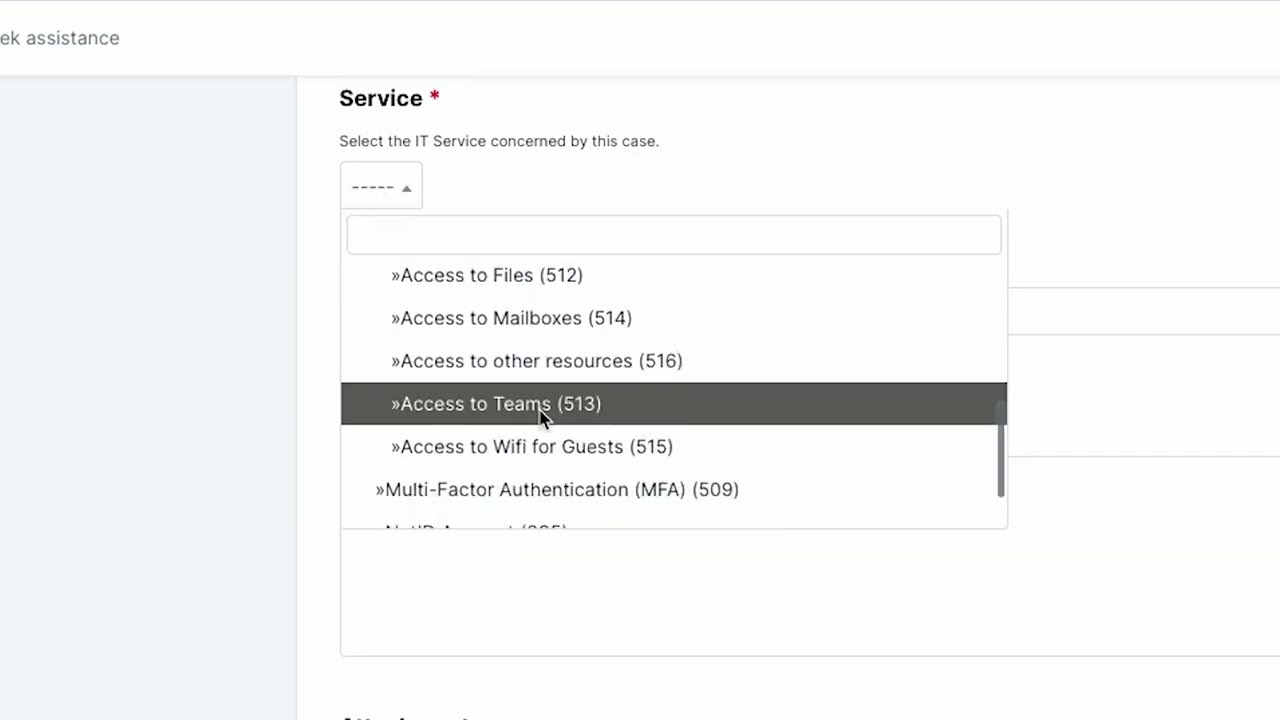
How can I create a new Support Ticket? ​

Access this service

Our Support System is accessible at https://helpdesk.aup.edu.