
This service is to provide common tools, features and best practices for secure communication.
Information
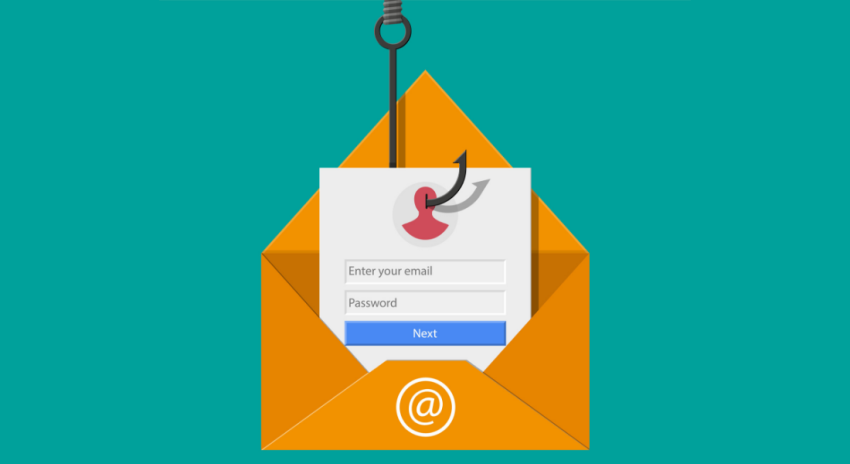
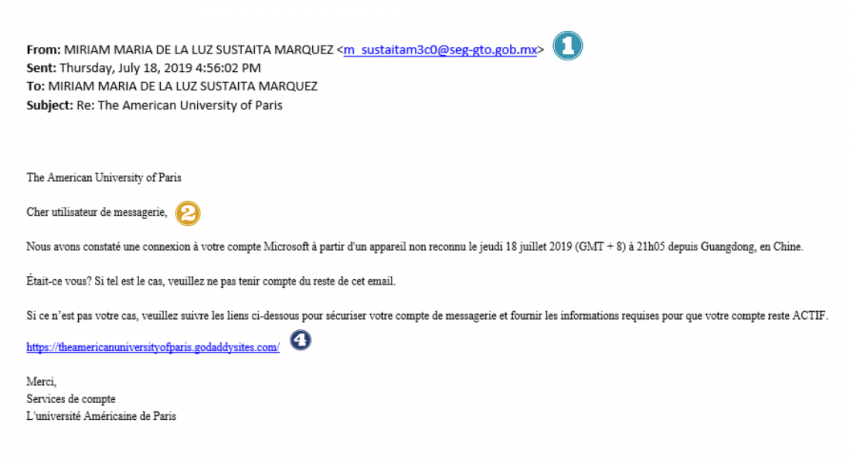
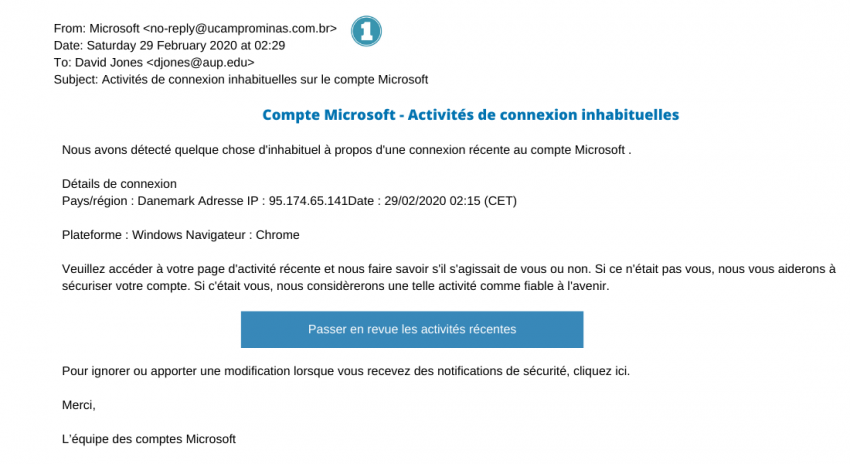
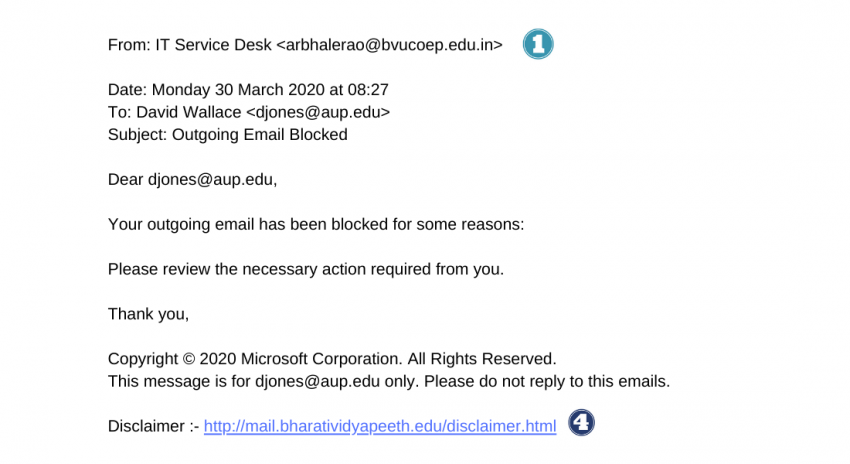
Phishing is a type of malicious email where the sender poses as a reputable company. The email sender’s goal is to induce individuals to reveal personal information (think passwords, credit card numbers, etc.).
These emails are sometimes very clever and may look official. Please be careful:
- NEVER click on a link from a suspicious email.
- If you receive a suspicious email, forward it immediately to itservices
 aup.edu explaining why you think it is a phishing attempt.
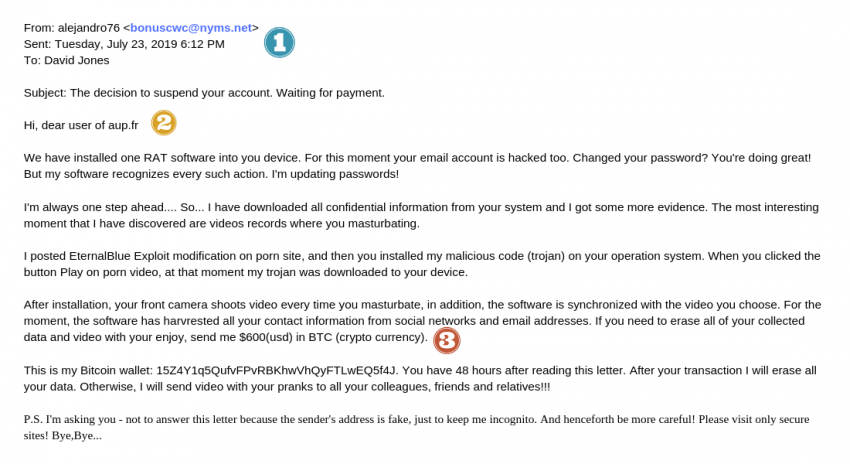
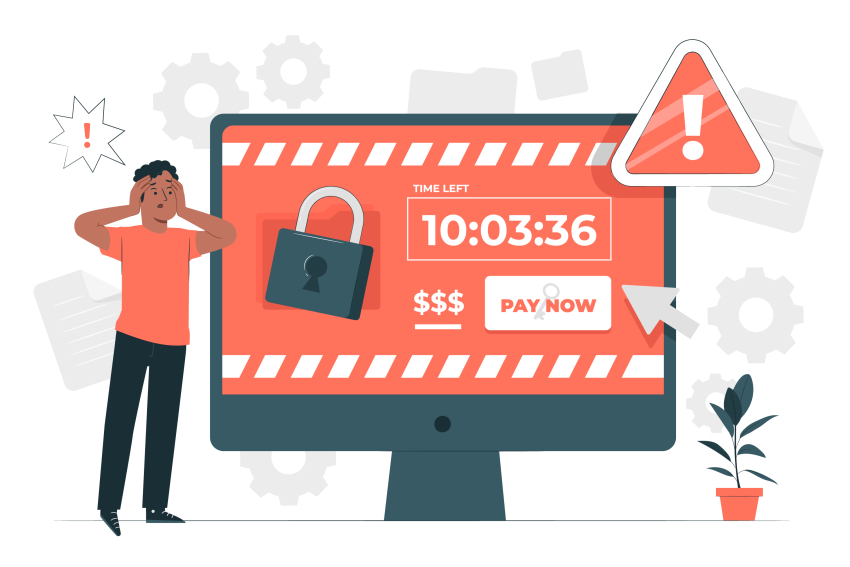 Ransomware is another type of malicious software designed to block access to a computer system until a sum of money is paid.
Here is how it works:
- An individual or group first sends you an email and encourages you to click on a link. You then download a file that corrupts/crypts your computer files
- The sender copies those files to his own server, so the data can be shared with his accomplices
- S/he then asks for ransom - often in bitcoins - blackmailing you, threatening to disclose some of your personal information that may harm your reputation
- Since s/he blocked access to your computer system, s/he can also demand a sum of money in exchange for the key that will give you access to your files again
If you receive one of those emails:
- NEVER click on an attachment or link.
- NEVER pay the ransom. Even if you do pay, you are not certain to get your data back.
- Immediately forward the email to itservicesaup.edu.
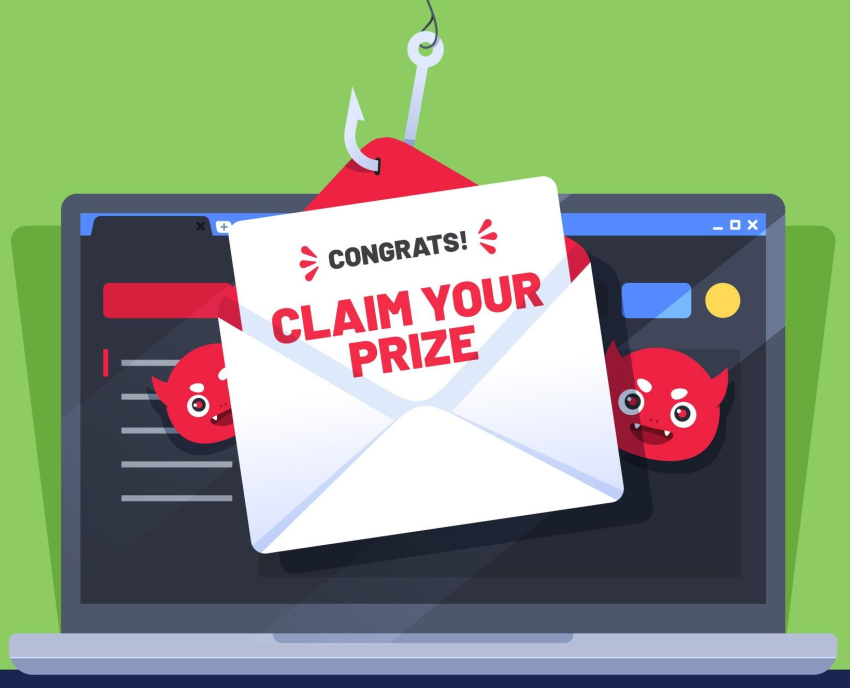
You've received an email saying you won the lottery?
Or that a great producer needs money right now but will reward you a hundred-fold if you just give him your credit card number?
These types of scams are frequent on the internet, and you may get these strangely "good news" in your inbox.
Don't answer them, just forward the email to itservicesaup.edu.
How to recognize a dangerous email?
Who is the sender?
Legitimate emails usually come from someone with an email address associated with the company. So if you are getting an email about Microsoft’s Office 365 from beyonce35massygroup.com , more than likely, they do not work for Microsoft and this is a phishing attempt.
Examples of suspicious emails