AUP community are equipped with the adequate tools to connect to the network and perform their jobs.

AUP community are equipped with the adequate tools to connect to the network and perform their jobs.
AUP Faculty and Staff are provided with tools that allows them to perform their mission.
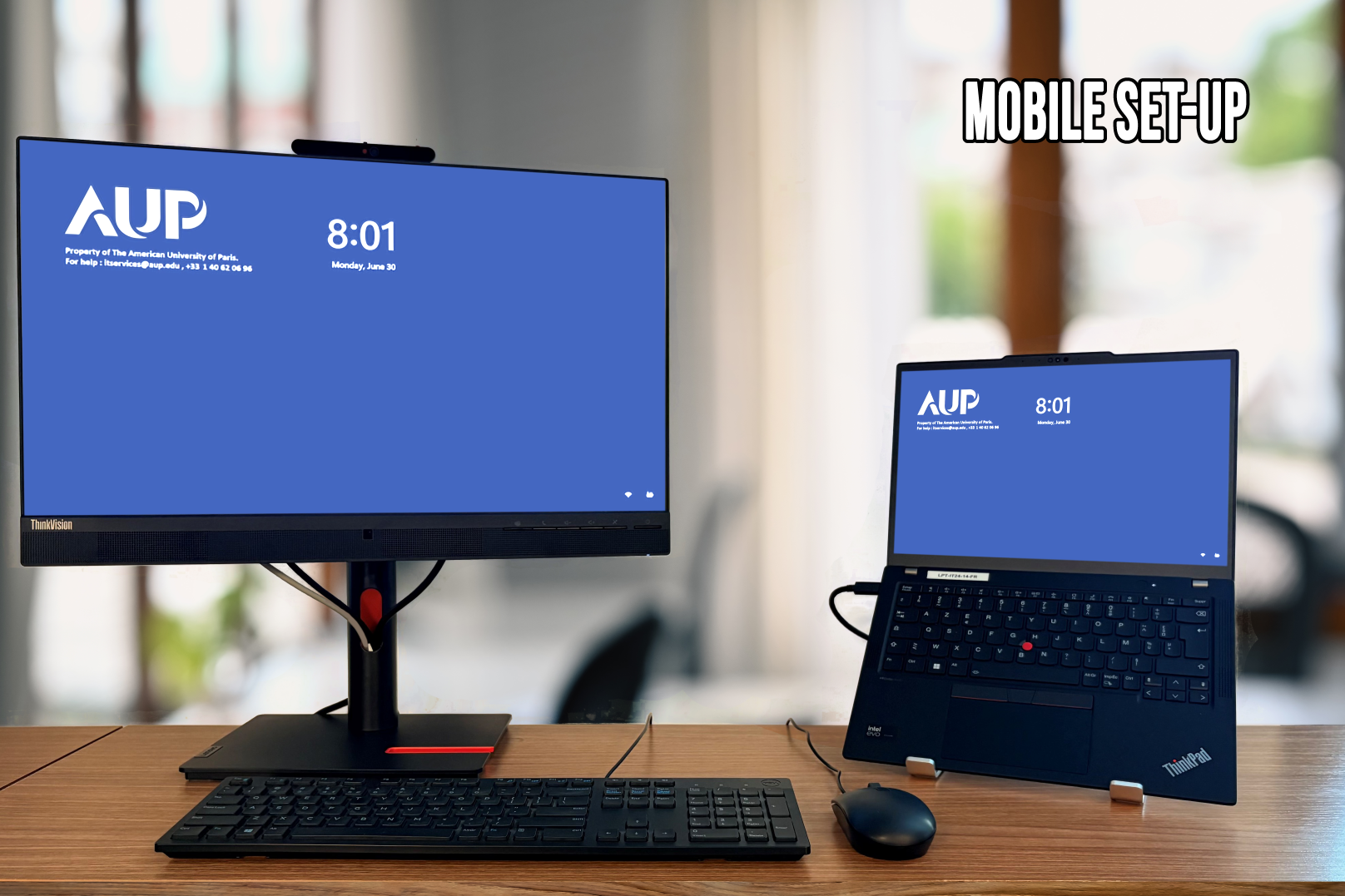
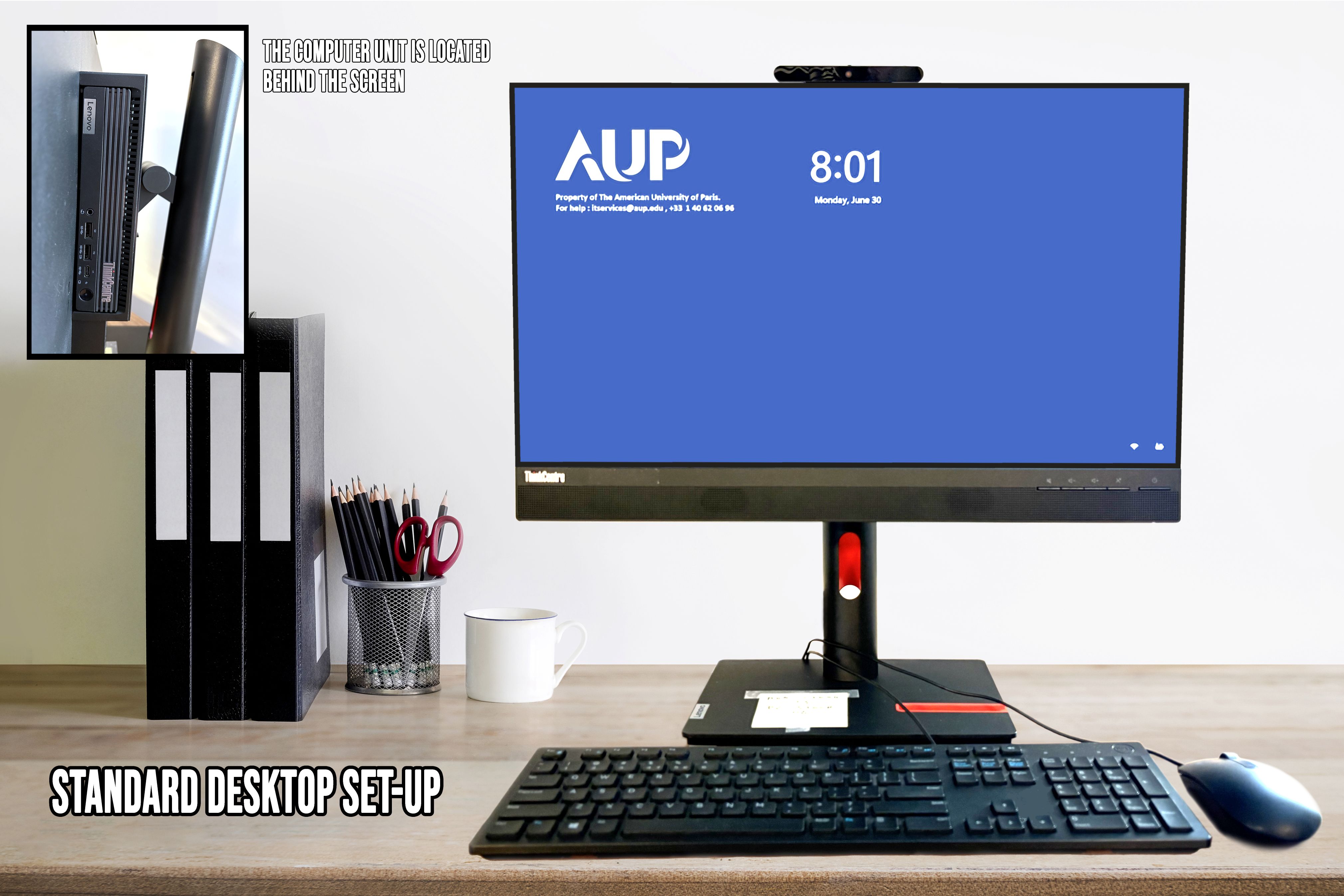
There are two options for the standard setup, the mobile setup and the fixed setup. Devices are provided with respect to the AUP Employees device policy IT007EN -Employee Device
To promote mobility, we recommend that department chairs and administrative departments managers request a mobile setup for their full time permanent employees.
Managers of administrative department can request devices for their team members using the Staff Computer Request form.
Department chairs can request devices for their department faculty members using the Faculty Computer Request form.
Please note:
Screen 21''